
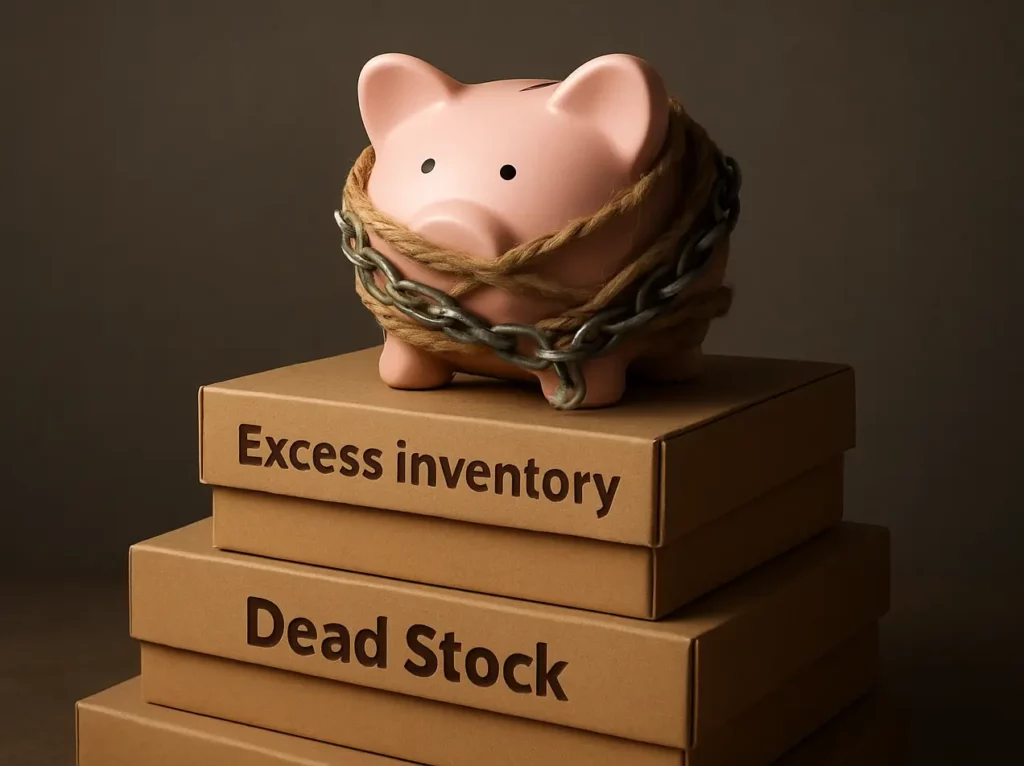
If you sell on eBay, you have seen it. Some items just sit. They take up shelf space. They tie up cash. And they quietly slow down your whole business. This is what most sellers call dead stock. It is not only “unsold stuff.” It is money that cannot be reinvested into products that move.
The good news is that how to get rid of dead stock on eBay does not have to feel random. In this guide we will discuss simple steps to clear dead stock using eBay’s tools. Before we start the steps, let’s look at a few common situations. They will help you choose the right sale tool and discount pricing.
Why you should clear dead stock before it costs you more
Dead stock costs more than most sellers realise. It is not just unsold items. It quietly drains space, cash, and time.
- Storage cost: Even if your “warehouse” is a spare room, it still limits what you can store and do with that space.
- Cash tied up: Money stuck in dead stock cannot be used to buy stock that sells.
- Time cost: Old listings create admin work because you keep revisiting them and wondering what to change.
- Lost relevance: Products can become outdated, and seasonal items lose demand over time.
Where to find the eBay Clearance Sale Tools
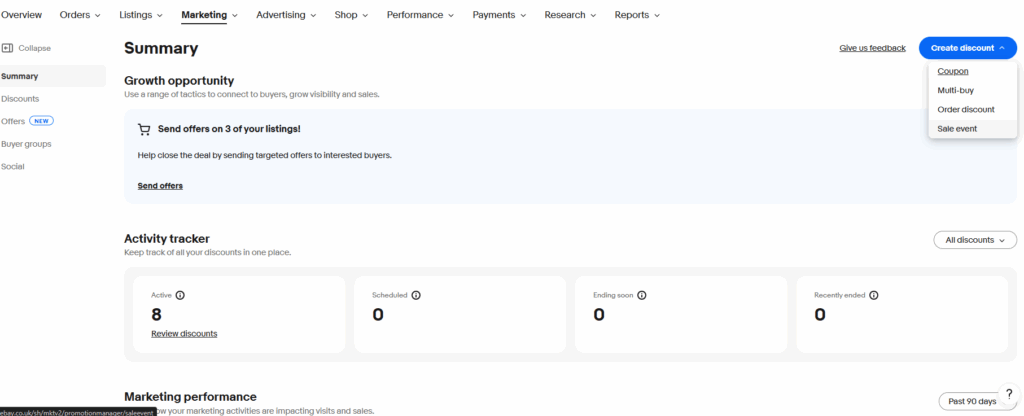
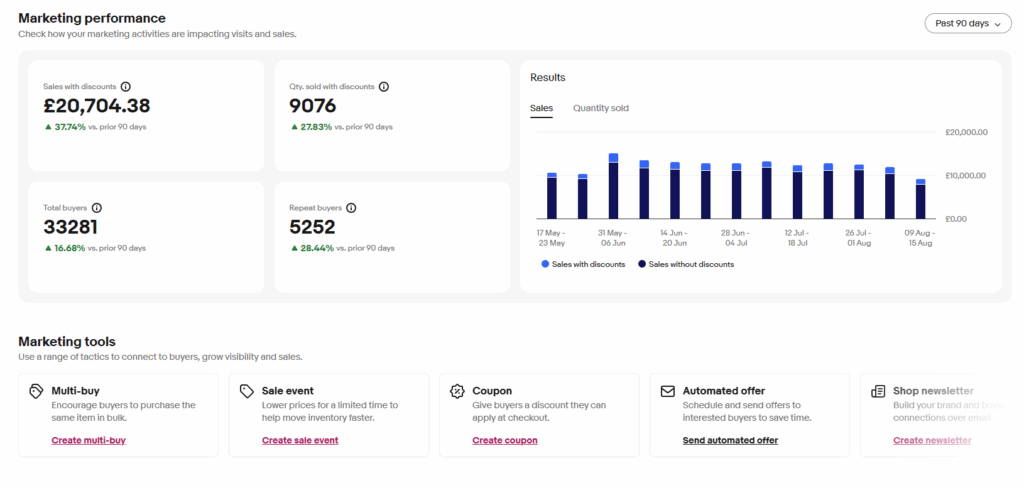
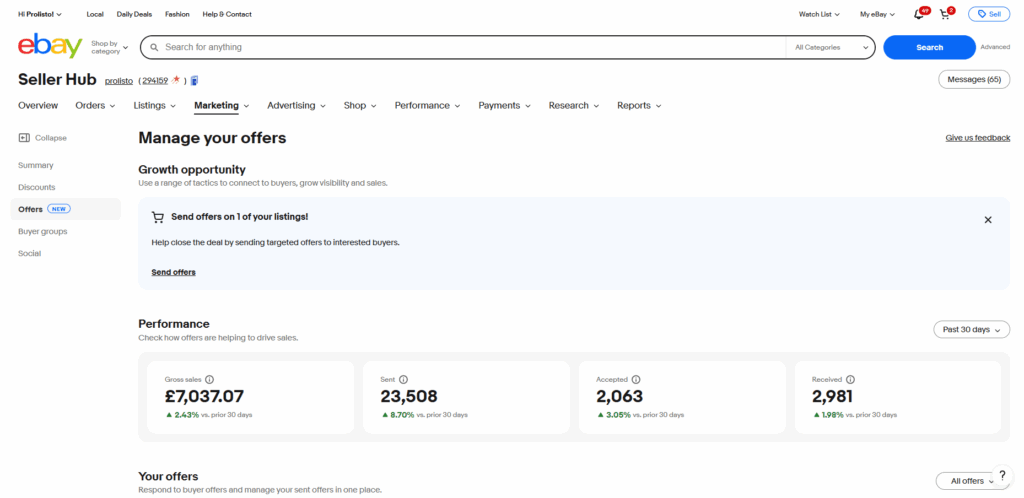
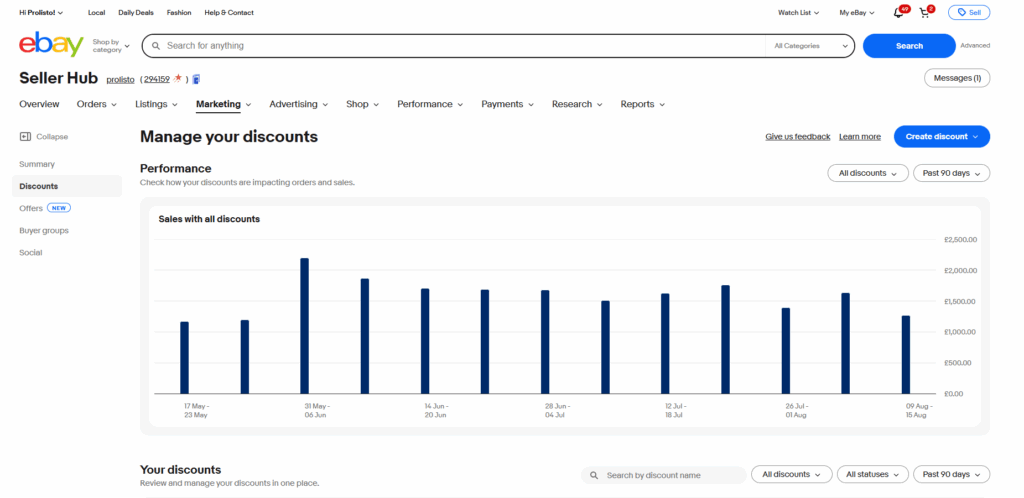
A strong ebay clearance sale starts with the tools eBay already gives you. In Seller Hub, go to the Marketing tab. From there, you can create discounts and promotional offers that help buyers feel urgency and see value. These tools work because they create a clear deal, reduce hesitation, and can help your listings stand out.
The main tools you will use are Markdown Manager and Promotions Manager
What are Sale Events on eBay and how do they help clear dead stock?
Sale events are eBay’s built-in markdown sales in Seller Hub. You choose a percent discount and set a time period. eBay then shows buyers a clear “before” and “after” price on your listing. This works well for dead stock because it creates urgency and helps quick shoppers see the deal fast. Sale events are best when you need single items to move during a time-limited clearance. You can find a detailed breakdown of how to set these up in eBay’s official guide on Sale events and discounts .
What is break-even pricing for dead stock and how do you set a price floor before you discount?
Break-even pricing for dead stock is the minimum price where your profit is £0 after costs. It matters during an ebay clearance sale because deep discounts can turn into losses if you do not know your price floor (your lowest safe selling price).
A simple way to find your discount pricing is to use Prolisto’s free eBay Profit Calculator. Enter your selling price, product cost, fees, and postage, then adjust the selling price until profit is close to £0. That price is your floor (your lowest safe selling price).
Before you start: do you know the simple 90/180/365 discount ladder for dead stock?
Clearance works best when you use a simple ladder based on listing age. Newer dead stock often needs a small nudge. Older stock usually needs a stronger push. Very old stock may need liquidation-level markdowns to free space and cash.
- Around 90 days: start with a lighter discount and improve listing quality first.
- Around 180 days: use a stronger markdown and consider multi-buy offers.
- Around 365+ days: use a very aggressive markdown if your goal is pure liquidation.
The key point is to check your price floor first, then apply discounts with intention.
How to Clear Stock: The Perfect 5-Step by Step Clearance Plan
1. Audit and Categorize What Is Truly Dead Stock
Before you run any discounts, you need to know what you are dealing with. Look for items that have not sold for an extended period, such as 3-6 months, and are unlikely to sell at their current price. Also identify slow movers that have had very few sales in the last 90 days.
Then group similar dead stock together. Grouping helps you run focused promotions like “40% off all winter accessories,” instead of applying random discounts to unrelated items.
If you want a data-driven shortcut, use Seller Hub’s Active Listings Report. Download it, open it in a spreadsheet, and sort by “Start Date.” This quickly highlights your most stagnant listings.
2. Optimize Listings So the Discount Can Actually Work
A discount will not rescue a poor listing. Treat this as data hygiene. Review your titles so they are clear and keyword-rich. Include the details buyers search for, like brand, model, size, colour, and condition. Improve photos so they are bright, clear, and honest. Show the item from multiple angles and include close-ups of flaws. If a listing has outdated details or needs a full refresh, you can end it and relist it for a fresh start with updated titles, photos, and item specifics.
Complete item specifics because these are the filters buyers use. The more complete they are, the more often your listing appears in relevant searches. In your description, tell a simple value story. A buyer wants to know why the deal is good. “End-of-line stock” and “last chance to buy” are clear and honest ways to frame it.
If you need stubborn items to move, enable Best Offer. It encourages negotiation and gives you flexibility to accept a reasonable price and complete the sale.
This is also a strong place to use Prolisto’s eBay HTML Template Builder. It helps you format descriptions so buyers can scan key details fast. That is useful in clearance because buyers are often comparing several similar options. Clear layout helps trust. Trust helps conversion.
3. Set Break-Even Pricing Before You Choose Discounts
This is the safety step. You calculate your floor price before you run a clearance. Use free eBay Profit Calculator to model cost of product, postage, fees, ad percent, insertion fee, packaging, and other costs you track. Once you know your break-even, you can pick discounts that move stock without unwanted surprises.
4. Run Your eBay Clearance Sale Using Sale Events and Multi-Buy Offers
Now you launch your clearance sale. If your goal is fast movement of single items, use sale events through Markdown Manager. This creates urgency and helps quick shoppers decide faster.
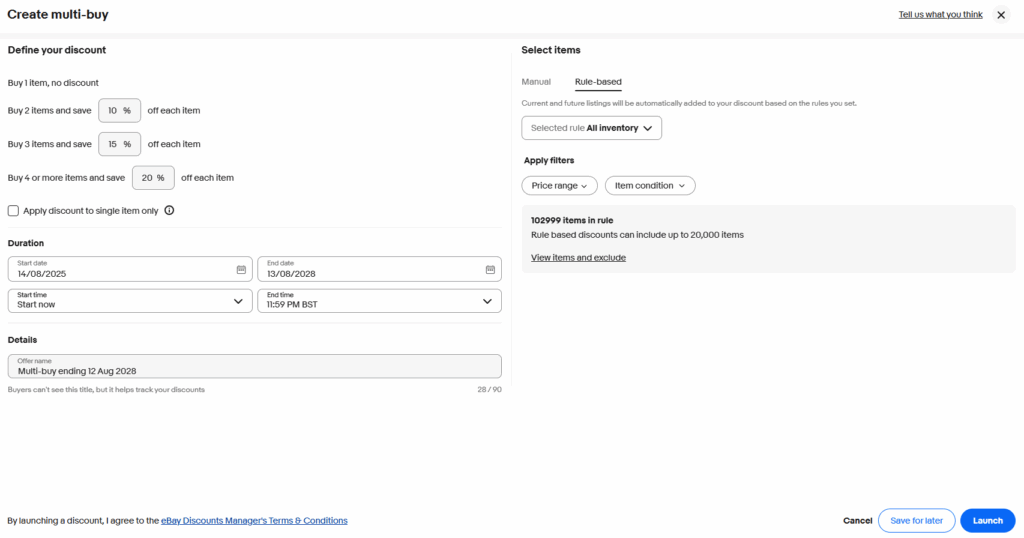
If your goal is to increase basket size and clear more units per order, use multi-buy offers in Promotions Manager.
- Multi-buy offers reward buyers for adding more items to their basket.
- Common options include BOGO (Buy One Get One), spend-and-save, and volume pricing.
- Example offers include “buy one, get the second 50% off,” “save £10 when you spend £50,” and “buy 2 for 5% off, buy 3+ for 10% off.”
- These deals often feel like better value, so buyers are more willing to purchase multiple items.
5. Promote, Monitor, and Adjust
Do not launch your clearance sale and hope. Promote it. Timing can matter, so consider running sales around end-of-month periods, seasonal events, and bank holidays when buyers are active. Promote the sale using your eBay Store tools, such as a store newsletter and promotion boxes. Share the sale on social media to drive external traffic. If you want stronger visibility, use Promoted Listings.
Once your sale is live, monitor daily metrics. Look at views, watchers, and sell-through rate. For more peer-to-peer advice, consider browsing the eBay Community UK forums , where experienced sellers often share what works for them.
Real Example: Category-Based Clothing Clearance
An eBay clothing seller had older seasonal items sitting for months. They created temporary store categories based on listing age, like last season, over 1 year, and over 2 years. Then they ran a Sale Event with tiered markdowns of 30%, 50%, and 70%. This cleared the oldest stock first and released cash they used to restock faster-selling items.
Conclusion
Dead stock is not just clutter. It is trapped cash and wasted space. The fastest way to fix it is a simple routine. Audit what is stuck, improve the listings, and set a price floor with break-even pricing. Then run sale events and multi-buy offers to create urgency and larger baskets.
When you track results and adjust during the campaign, clearance becomes a repeatable system, not a one-time panic sale. If you want to protect your margins while you clear stock, start by checking your numbers with the free Prolisto eBay Profit Calculator, then use the eBay HTML Template Builder to make your listings easier to trust and easier to buy from.
FAQs
What are dead stocks on eBay?
Dead stock is inventory that has not sold for an extended period, such as 3-6 months. It is unlikely to sell at its current price. It also ties up your cash and takes up space.
How to clear dead stock faster on eBay?
Use a structured plan. Audit your stale listings and group them. Improve titles, photos, and item specifics. Set your break-even floor. Then run a sale event for clear markdowns and add multi-buy offers where it makes sense. Promote the sale and monitor results daily.
How to get rid of dead stock with break-even pricing?
Start with break-even pricing. Break-even is the selling price where profit is £0 after your costs. Model your cost of product, postage, and fees before you discount. The free Prolisto eBay Profit Calculator helps you find that floor so you can discount with control.
How do I run an eBay clearance sale?
Group your dead stock so you can discount in bulk. Use a Sale Event to apply a time-limited markdown that shows a clear before and after price. Add a multi-buy deal (BOGO, spend-and-save, or volume pricing) to move more units per order. Check results daily and adjust.
Sale events vs multi-buy offers, which one to be used?
Use sale events to move single items quickly. Use multi-buy offers to sell more items per order. Combining both can work, but check break-even first.
Is it better to use auctions or fixed price for clearance?
Fixed price is usually better for clearance because it is predictable and works well with Sale Events. Use auctions for rare items or job lots as a final clear-out step.
Why do I get no views even with discounts?
This is usually a discovery problem, not a pricing problem. Improve keywords in your title, complete item specifics, and upgrade photos. Discounts work best after your listing is easy to find.
Why do I get views but no sales during an eBay clearance sale?
The price or offer may still be too weak, or the listing lacks trust details. Try a stronger discount, enable Best Offer, and make the description clearer.